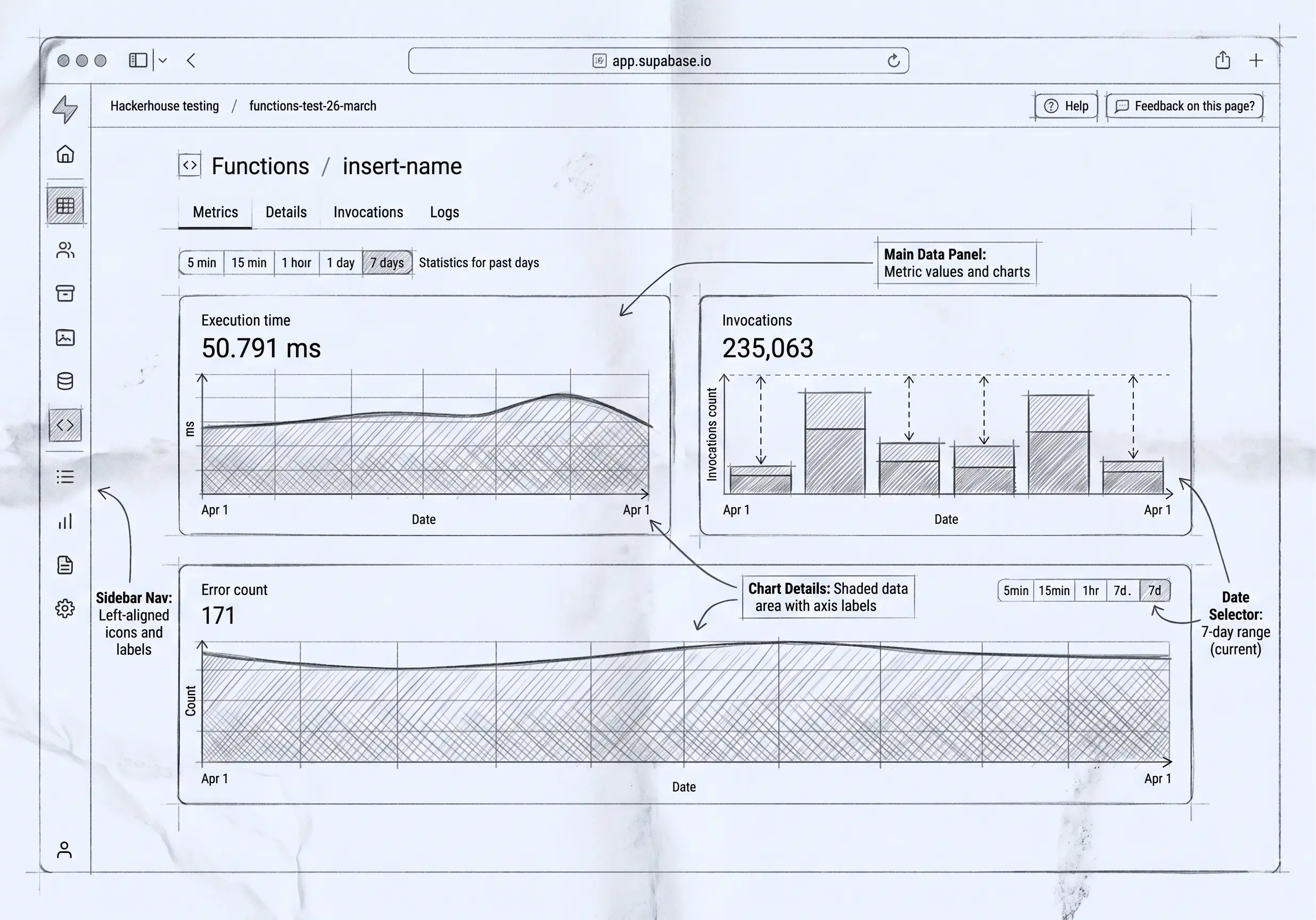

Supabase is one of the best things to happen to backends in years. A real Postgres database, authentication, instant APIs over your tables, file storage, realtime, edge functions — the plumbing that used to take weeks, ready in an afternoon. If you’re building a product, it’s a fantastic place to stand.
But there’s a part Supabase deliberately doesn’t build, and a lot of teams only notice it once the product is live: the internal application your own team uses to run the business. Not the app your customers log into — the one your ops, sales, finance, and support people open every day to manage customers, fulfil orders, track stock, and handle billing. Supabase gives you the backend. It doesn’t give you the back office.
What Supabase gives you
To be clear about the boundary, here’s what you genuinely get:
- A managed (or self-hosted) PostgreSQL database
- Authentication for your application’s end users
- Auto-generated REST and GraphQL APIs over your schema
- File storage, realtime subscriptions, and edge functions
- The Studio — a developer-facing dashboard to inspect and edit your tables
That’s a backend, and it’s a good one. The Studio, importantly, is a database tool for developers — great for poking at rows during development. It is not an operational app you’d hand to your finance team.
The gap: the operational app your team runs on
Every business that ships a product also runs an operation behind it. Someone approves refunds, adjusts inventory, onboards a customer, chases an overdue invoice. Those tasks need an actual application: forms and grids shaped to your process, roles so the support team sees one thing and finance another, an audit trail of who changed what, lifecycle states so an order can’t skip a step.
Supabase hands you the data and the APIs. The operational app on top — the screens, the permissions, the history, the business rules — is yours to build. That’s the gap, and it’s bigger than it looks: it’s most of what “an internal system” actually is.
Three ways teams fill it
1. Build it yourself on Supabase. Spin up a custom admin app against your Supabase database. Total control, and it fits perfectly — after the weeks (then ongoing months) of building and maintaining screens, a permission model, and audit logging by hand. Fine if internal tooling is something you want to own as engineering work.
2. Put a UI builder on top. Tools like Retool or Appsmith point at your Supabase database and let you assemble internal screens faster. You still design the permissions and the audit story, and you’re now running another platform, but it’s quicker than from scratch.
3. Use a platform that is the internal operations layer. This is where dForge fits. Rather than a UI over your product’s database, dForge is the internal operational system itself — you define a model and it generates the app, with row/column/folder security and a before/after audit trail built in, plus ready-made modules for CRM, inventory, HR, and billing. It runs on its own PostgreSQL database that you own, and talks to the rest of your stack over an API (in) and webhooks (out).
The honest boundary: dForge won’t run your product
Worth saying plainly, because it’s the whole reason these two coexist rather than compete: dForge is internal-only. It has no external end-user authentication, so it cannot power your customer-facing product, your mobile app, or a public signup. That stays on Supabase, exactly where it belongs.
So this isn’t “Supabase or dForge.” It’s two halves of one software estate:
- Supabase — the backend for the product your customers use.
- dForge — the operational platform your team uses to run the business behind it.
Data flows between them through dForge’s API and webhooks, so the product and the back office stay in sync without either pretending to be the other.
Where they quietly agree: you own the data
One nice thing about pairing them: both are built on standard PostgreSQL, and both can be self-hosted. So in both halves your data is a real database you control, not a proprietary store you can only reach through a vendor’s runtime. With Supabase you own the product’s backend; with dForge you own the operational database and its files, and the app itself is generated from metadata that lives in that same database. If data ownership is something you care about — and on the operational side it really should be — that’s covered on both ends. (More on the dForge side in Only You Own Your Data.)
So, do you need a “Supabase admin panel”?
If you’ve searched for one, you’ve already found the gap. The quick answer — point a UI builder at your database — gets you screens. The fuller answer is to ask what the internal system actually needs: not just screens, but roles, audit, lifecycle, and the specific business objects your operation runs on. If that’s a CRM, an inventory system, or billing shaped to how you work — owned, governed, and separate from your product’s backend — that’s the job dForge is built for.
Keep Supabase for the backend. Give the back office its own home.
If you’re running Supabase and feeling the pull to build “just a quick admin panel” that keeps growing, that’s the operational layer asking for a real home — see how dForge approaches it, or what you can build.